The free Rust map generator.
Make custom procedural Rust maps on your own computer, with the game's own generator steered by your settings: which monuments, how much land, how high the hills, your prefabs around any monument. Every map is checked before it reaches your server.
- Windows 10/11 and Linux
- Free and open source (MIT)
- Unlimited maps, no account
1Choose
Start from a preset or set it yourself: monuments to want or to block, how much land, how high the hills, the rail and road rings, the Outpost near the middle, your prefabs.
2Make
The official Rust dedicated server makes the map, with a small mod steering its generator. A small map takes from 30 seconds to two minutes, a large one from two to six.
3Check and serve
Every map is checked as soon as it is made, and the game itself can load-test it. Download the .map and point your server at it.
Your settings
You decide what goes on the map.
A panel in your browser holds the settings, makes maps in a queue, checks every map and shows it.
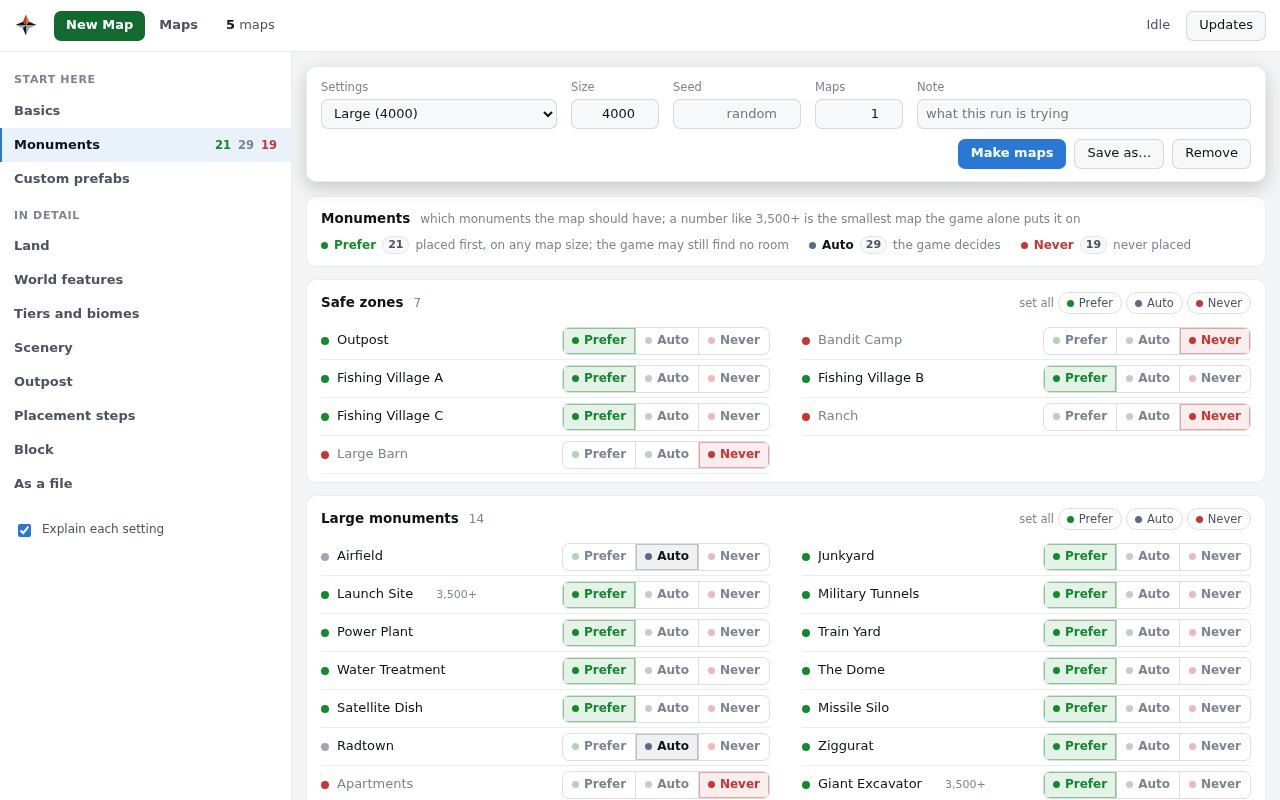
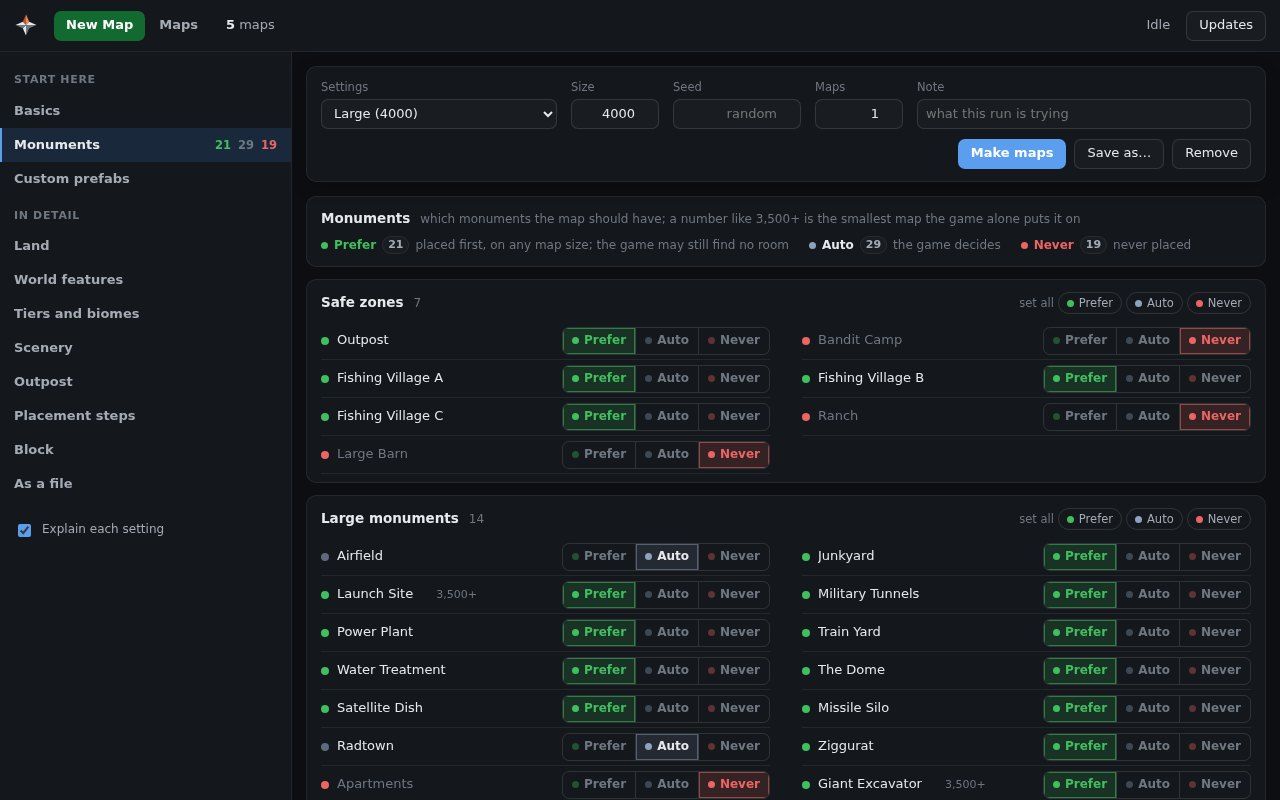
- Monuments, one by one. Mark each one Prefer, Auto or Never: wanted ones are placed, blocked ones never are, the rest is left to the game.
- Land, hills and biomes. How much of the square is land, how high the hills, how much desert, snow or jungle.
- Rings and the Outpost. A rail ring, a road ring, the Outpost near the middle, building on roads allowed or not.
- Your prefabs around a monument. Recyclers, vendors, decorations: made once in a map editor, put back around that monument on every new map.
- Four presets to start from. Game default, Small with no safe zones, Medium and Large. Keep your own with Save as…
- Many maps in a queue. Choose how many and the seeds, or leave the seed empty for a random one, and come back to a list of finished maps.
Checked
Every map is tested before your players see it.
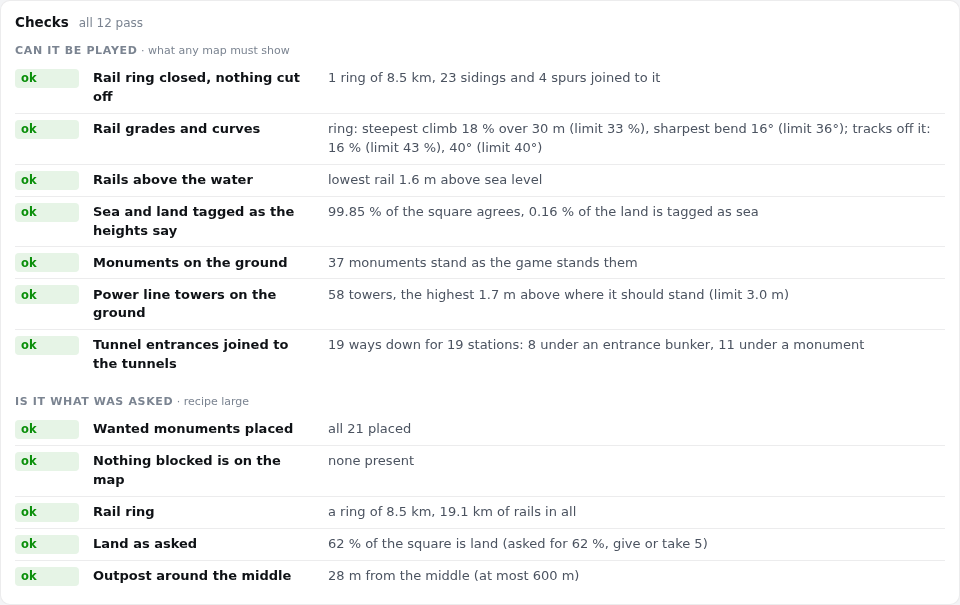
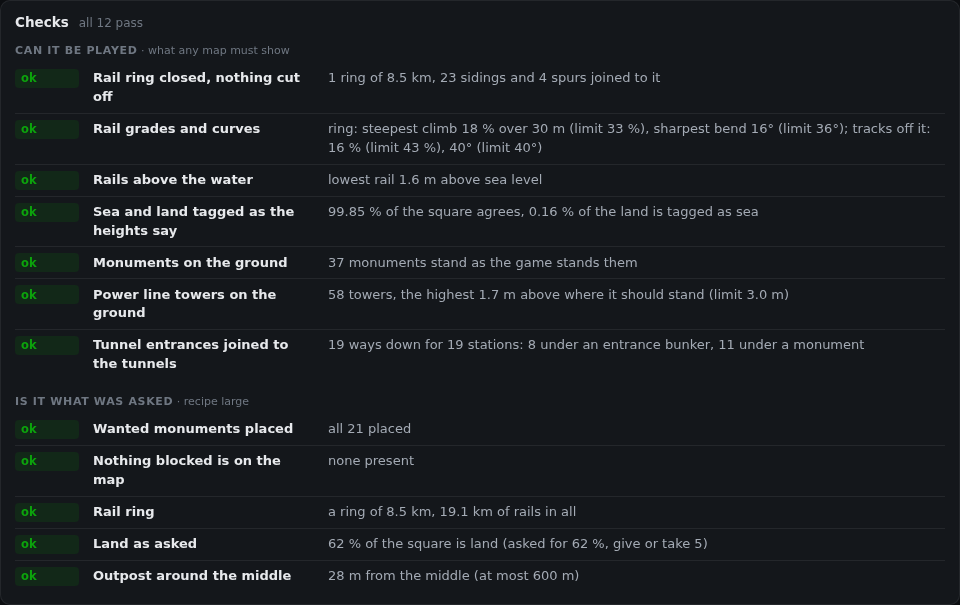
Checks run on the file a server would load, as soon as the map is made. At a glance sums them up in green, amber or red.
Can it be played
The rail ring is closed, rails are not too steep and stay above the water, monuments and power line towers stand on the ground, every tunnel entrance leads into the tunnels.
Is it what was asked
Your settings against the result: the monuments you wanted are there and the blocked ones are not, the land is the share you asked for, your templates were merged whole.
Does the game load it
Load test has the dedicated server, on your computer, load the finished file the way your server will, and reads its log.
A failed check deletes nothing: see what failed, keep the map or make another seed.
New in 0.2.0
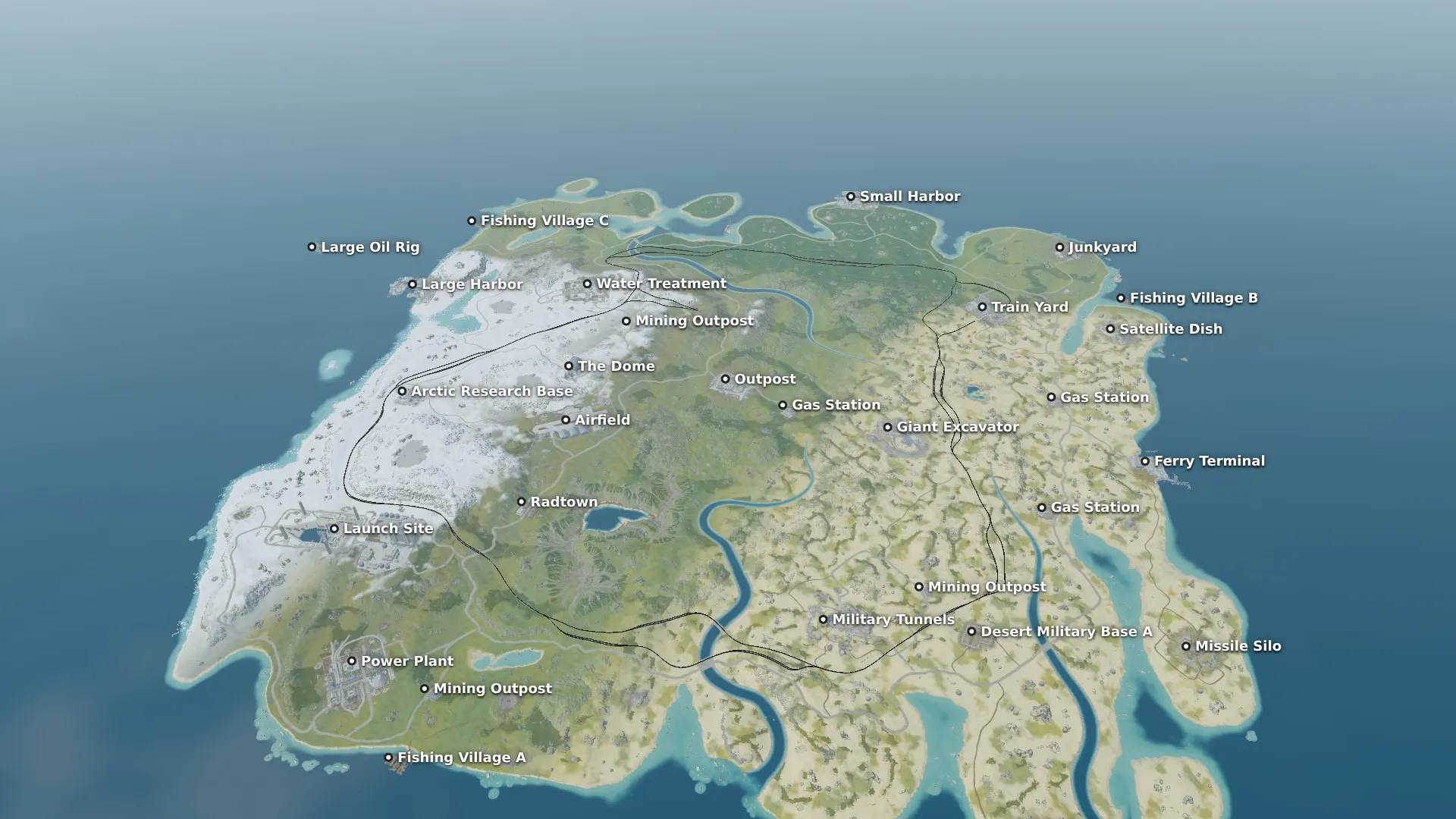
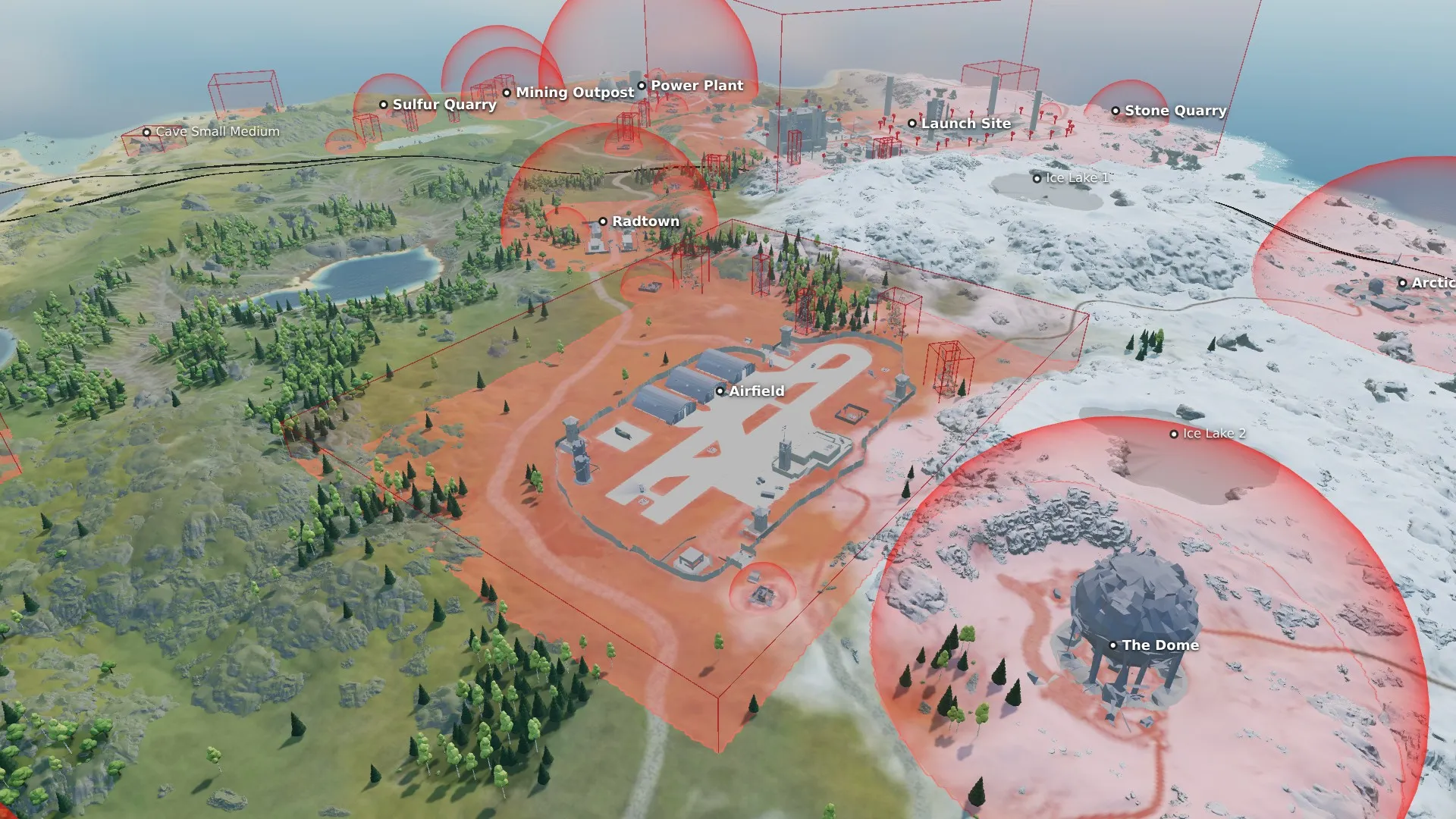
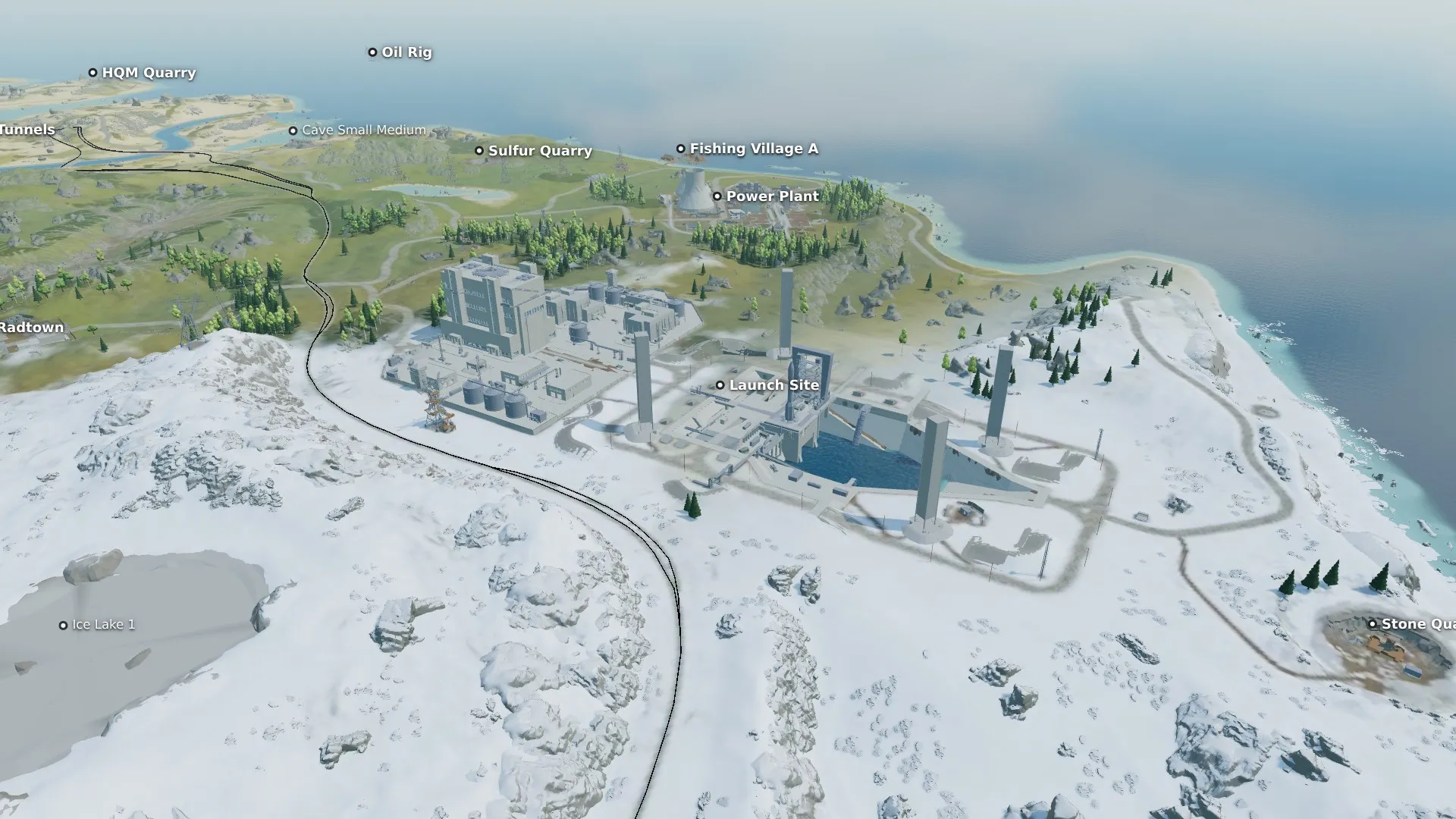
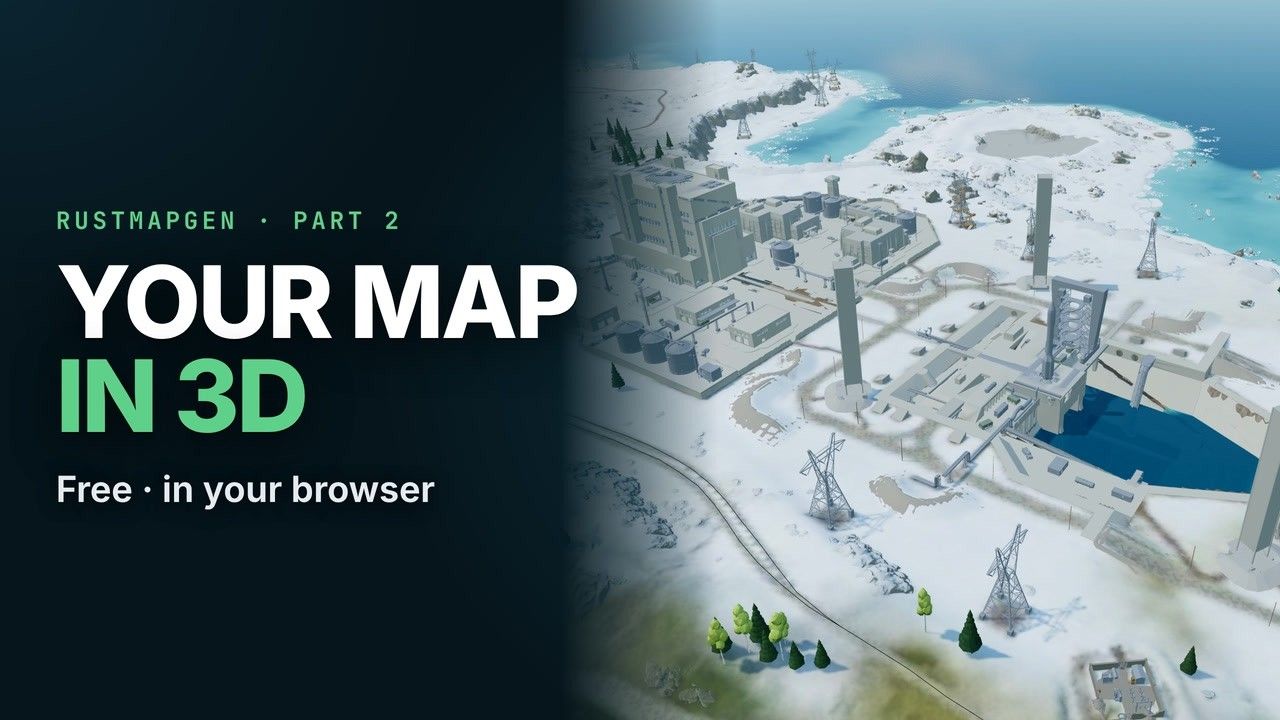
See the whole map in 3D, before your players do.
The ground, the sea, rivers and lakes, roads and rails, trees, and the monuments, cliffs, rocks, pylons and tunnel entrances where the game will stand them. Drag to turn, the wheel to zoom, WASD to fly.
Example maps
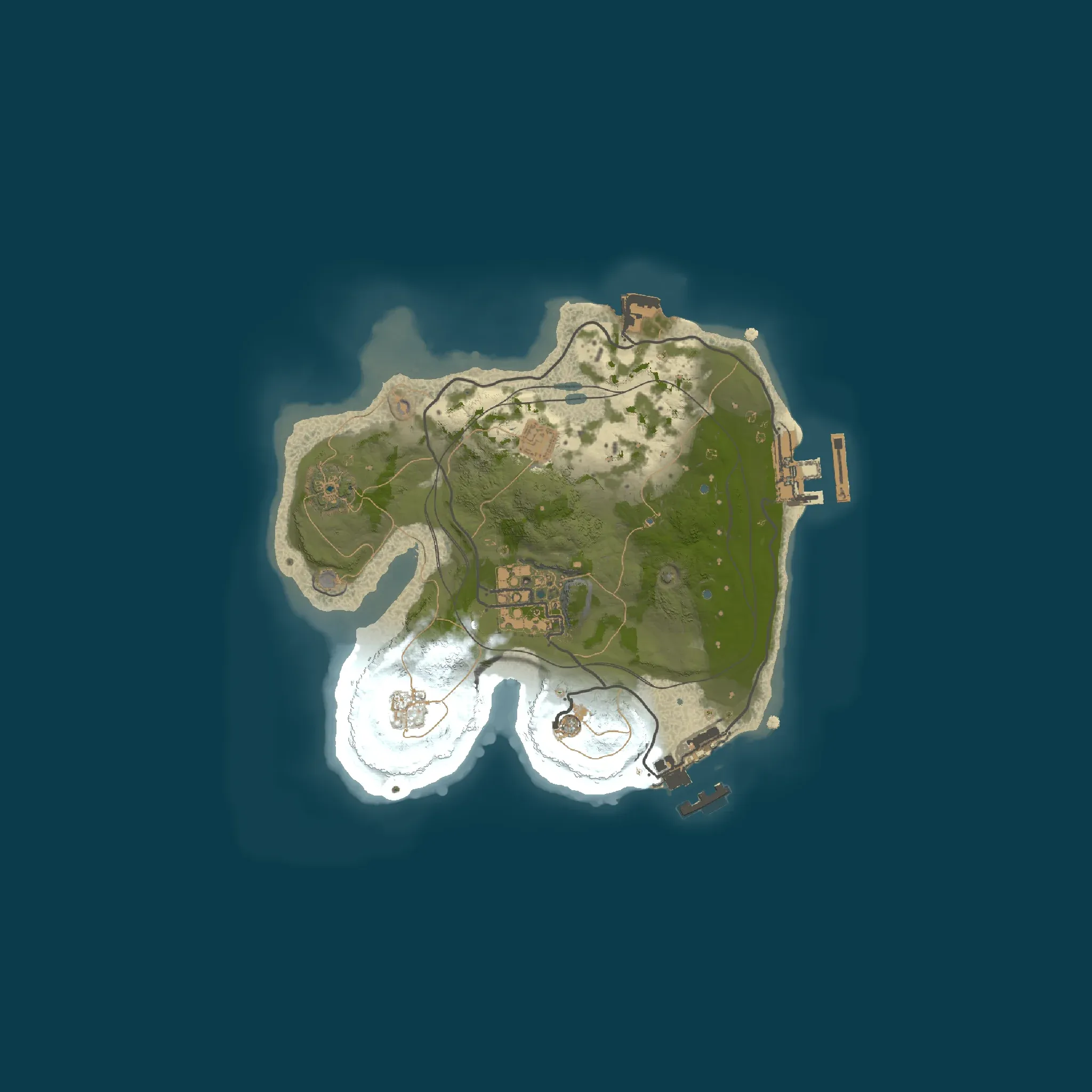
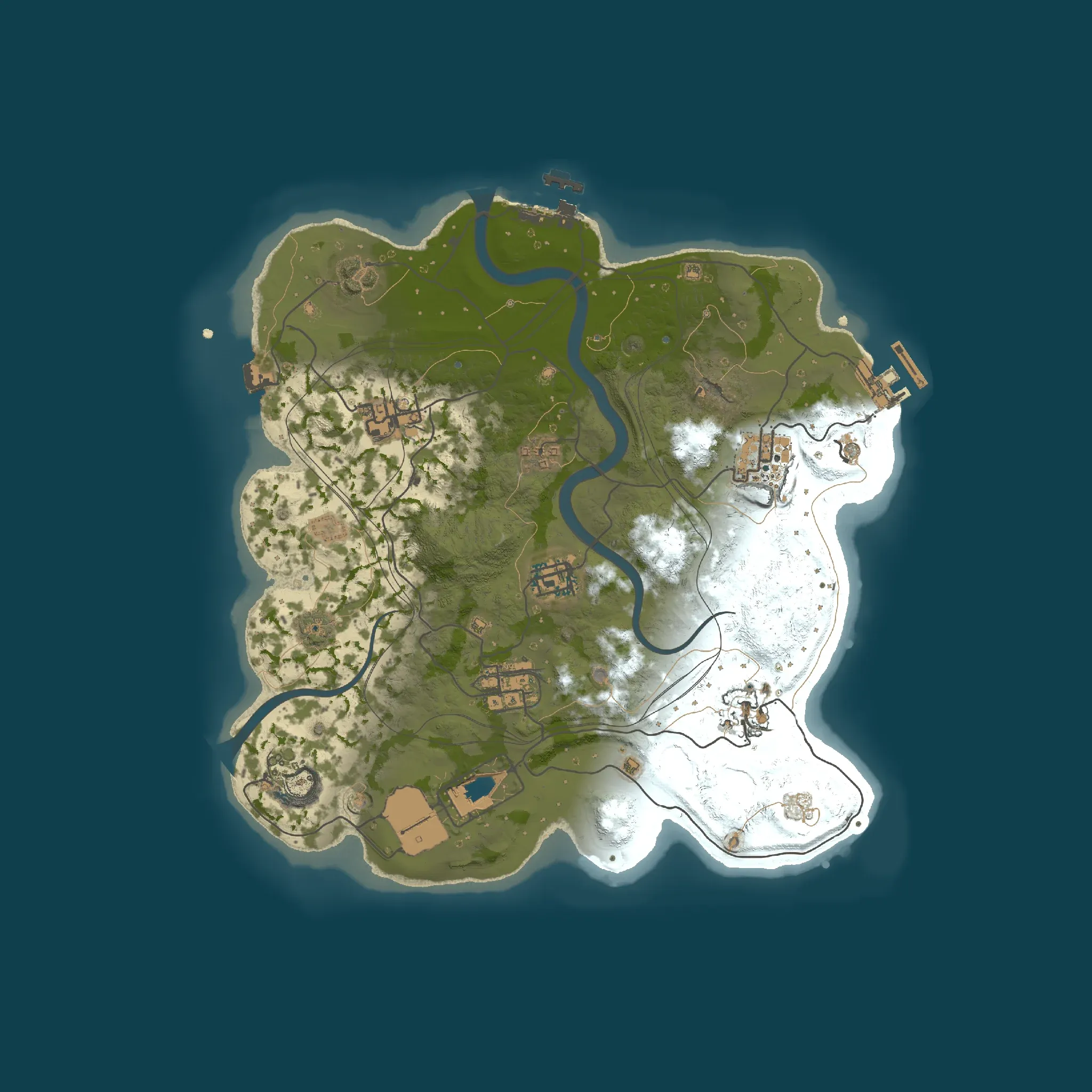
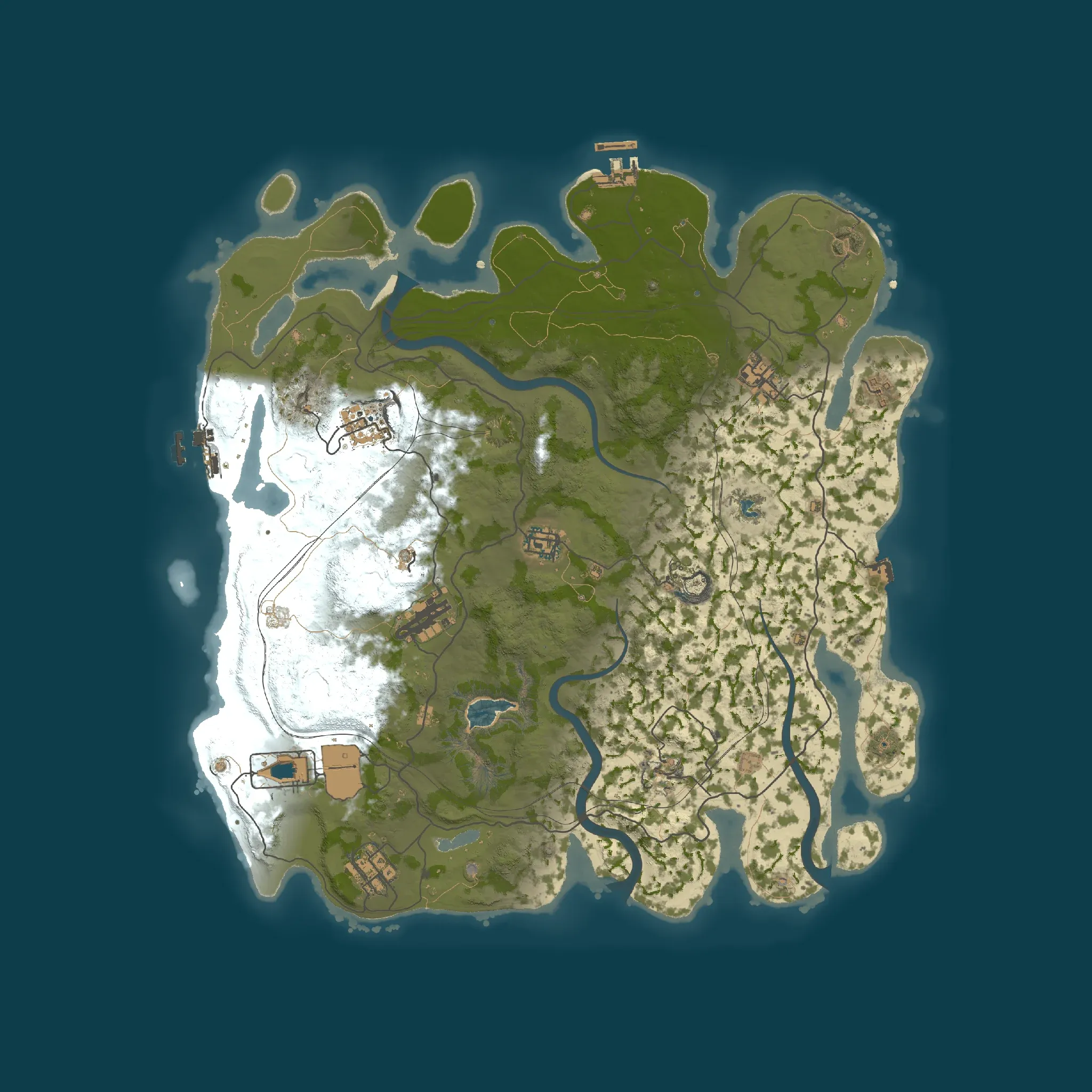
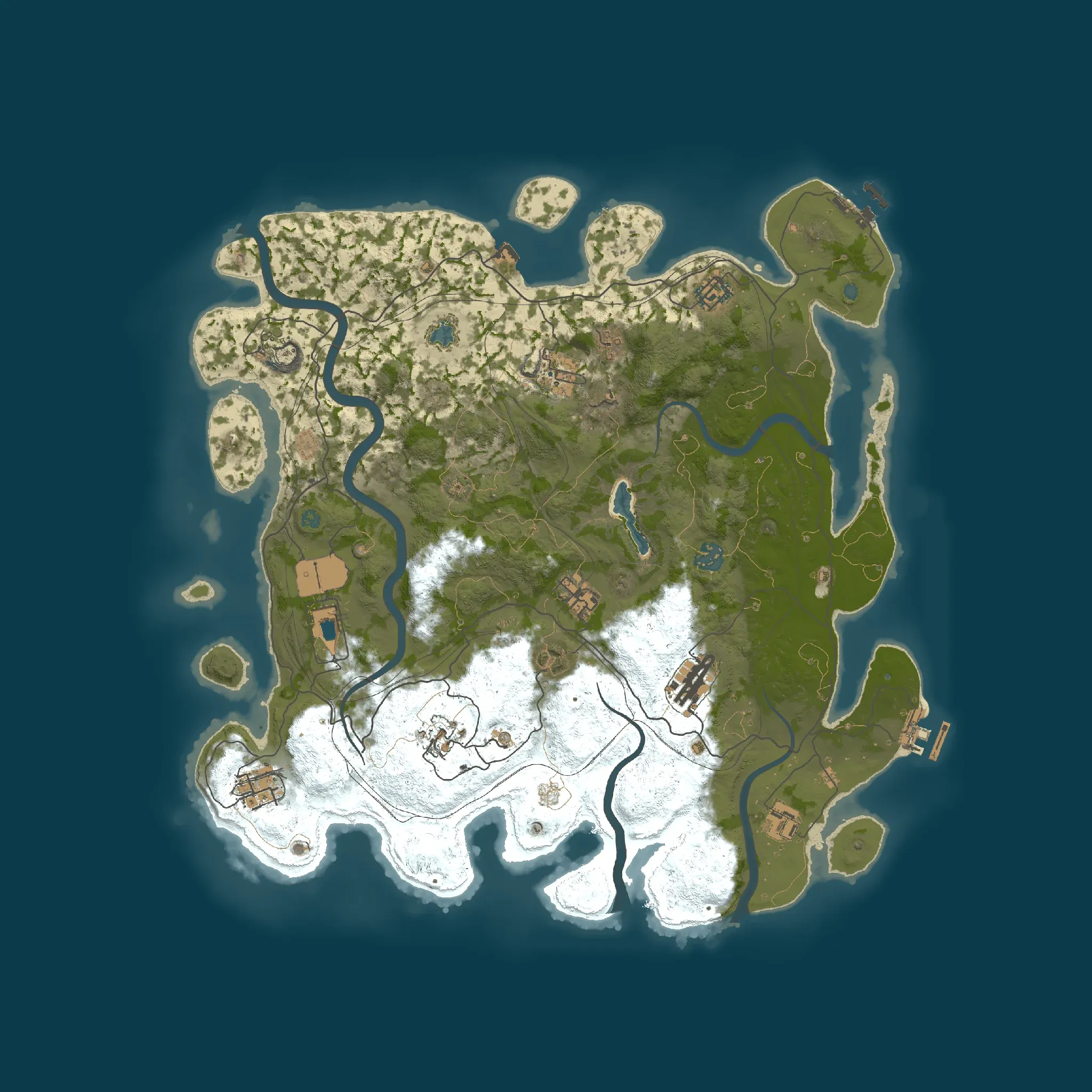
Free Rust maps, made with the presets.
One map of each preset from a fresh install of RustMapGen 0.2.0, untouched. Look at their checks, fly over them, or download one for your server.
Videos
Watch it from install to fly-over.
Captioned walkthroughs, one per release.
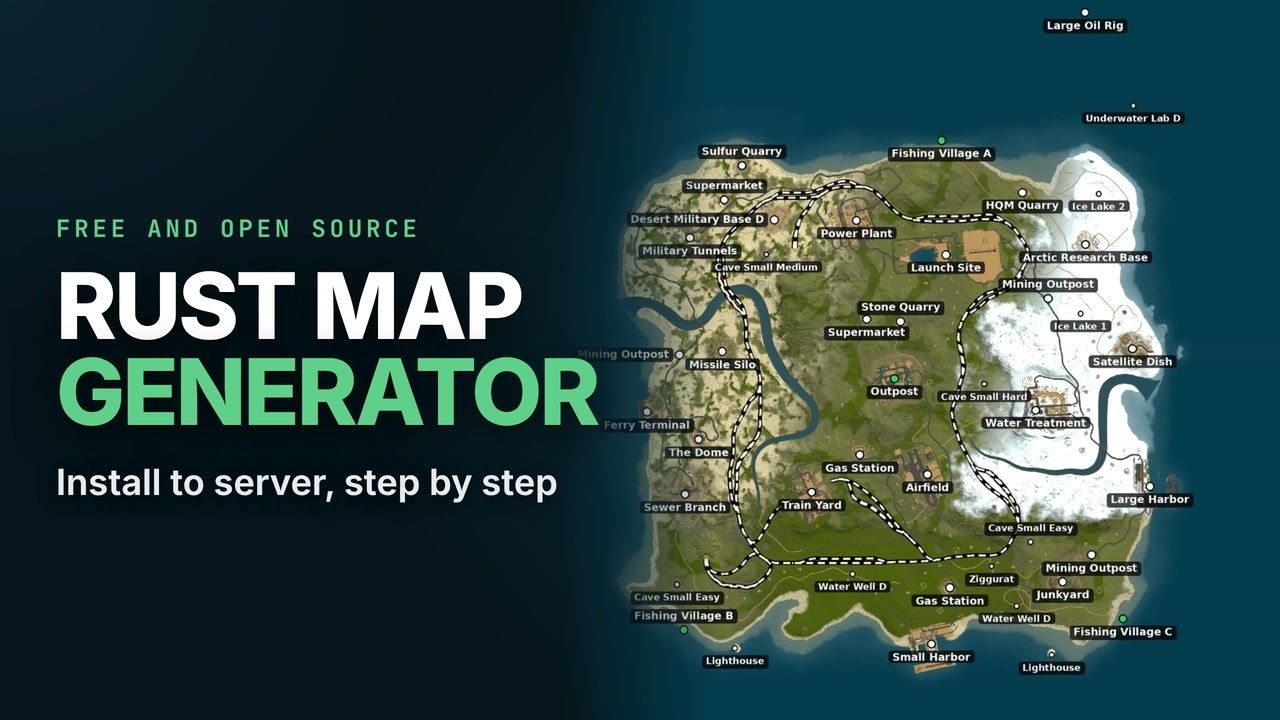
Install RustMapGen and make your first map
Install on Windows and Linux, the panel and its settings, a first map and its checks, and putting it on a server.
18 chapters
- 0:00 Intro
- 0:21 What you need
- 0:37 Install on Windows
- 2:08 Start the panel on Windows
- 2:46 Install on Linux
- 3:34 Start the panel on Linux
- 3:46 The panel on your local network
- 4:06 The panel: presets, seed, Basics
- 5:34 Monuments: Prefer, Auto, Never
- 6:23 Custom prefabs
- 6:38 Every setting in detail
- 7:52 Your first map
- 8:41 The finished map and its checks
- 9:53 Test in the game (now Load test)
- 10:10 A second map, and the download
- 10:43 On your server: server.levelurl
- 11:05 Where to host the map
- 11:20 One warning, and updates
Fly over your Rust map in 3D, in your browser
The 3D view: the whole map, the monuments' hitboxes up close, flying with W A S D, and the no-build zones.
11 chapters
On your server
From the panel to your server in three steps.
- Download .map on the map's page in the panel.
- Put it at an HTTPS address that serves the file as it is: mapstr.gg hosts maps for free with no account, and Cloudflare R2 suits many maps uploaded by script.
- Point the server at it with
+server.levelurl. Every player downloads the map from there when they join.
+server.levelurl "https://your.host/path/your-map.map"With a levelurl the server ignores its seed and size settings. Give every map an address of its own: the game keeps a downloaded map by its name.
In real use
RustMapGen is the generator behind a network of public Rust servers, taken out of it to run on its own. Every wipe there, about twenty a week, has run on one of its maps: made ahead, checked and load-tested, put to the players' vote, and served.
Questions
Questions about making Rust maps
Is RustMapGen really free?
Yes. RustMapGen is free and open source under the MIT license: make as many maps as you like, with no account and no subscription. It runs on your own computer and downloads the free Rust dedicated server from Steam.
How does Rust map generation work?
Rust makes its procedural maps itself, from a seed and a world size. RustMapGen runs that same generator in the official Rust dedicated server and steers it with a small mod: which monuments are placed, how much land, how high the hills, the rail and road rings, where the Outpost goes. Then it checks the finished map file.
Can I make a custom Rust map without a map editor?
Yes. You choose settings instead of painting the map by hand, and every map comes out different with its seed. If you want your own prefabs around a monument, make them once in a map editor: RustMapGen puts them back around that monument on every new map.
How do I put a custom map on my Rust server?
Download the .map file, put it at a direct HTTPS link, and set +server.levelurl to that address in the server's start line or your host's custom map field. The step-by-step page covers both, and what to do when the map does not load. Read the steps.
Is there an online Rust map generator?
RustMapGen runs on your computer, because its maps are made by the real Rust dedicated server, which you install with it. The example maps on this site, with their checks and a 3D view, are online for anyone to look at and download.
Where can I download free custom Rust maps?
The free maps page has four, one of each preset, every one checked and load-tested by the game. With RustMapGen you can make as many more as you want, for free. See the free maps.
Is RustMapGen on GitHub?
Yes: the code is public on GitHub under the MIT license, with the install scripts, the mod that steers the generator, and the changelog of every release.
What happens to my maps when Rust updates?
The monthly update on the first Thursday (the forced wipe) changes how maps are made. RustMapGen brings its copy of the game to that update before the next batch of maps and, once a RustMapGen update declares the coming one, can make maps for it before it is out.
Make your first map today.
The installer fetches everything it needs from Steam: the free Rust dedicated server, about 6 GB. Nothing of the game comes with the code.
- Windows 10/11 or Linux64-bit PC (x86-64)
- 8 GB of memorya map uses about 5 GB while it is made
- About 7 GB of disk6 GB for the game, 15 to 90 MB a map
- Python 3.9 or neweron Windows the installer can get it for you